Know your neighbourhood.
Find local updates and events, connect through shared interests, and keep track of concerns near you.
- Opt-in people discovery
- Messages between accepted connections
- Reports with location details and photos
A South African community app
Know what’s happening nearby, connect with neighbours, and follow progress on local issues—from the first report to the recorded outcome.
Keep your community conversations. Add a shared view of local issues, events and updates that you can find and follow up.
ZAburb — Where suburbs connect.
Starting in Groenkloof, Pretoria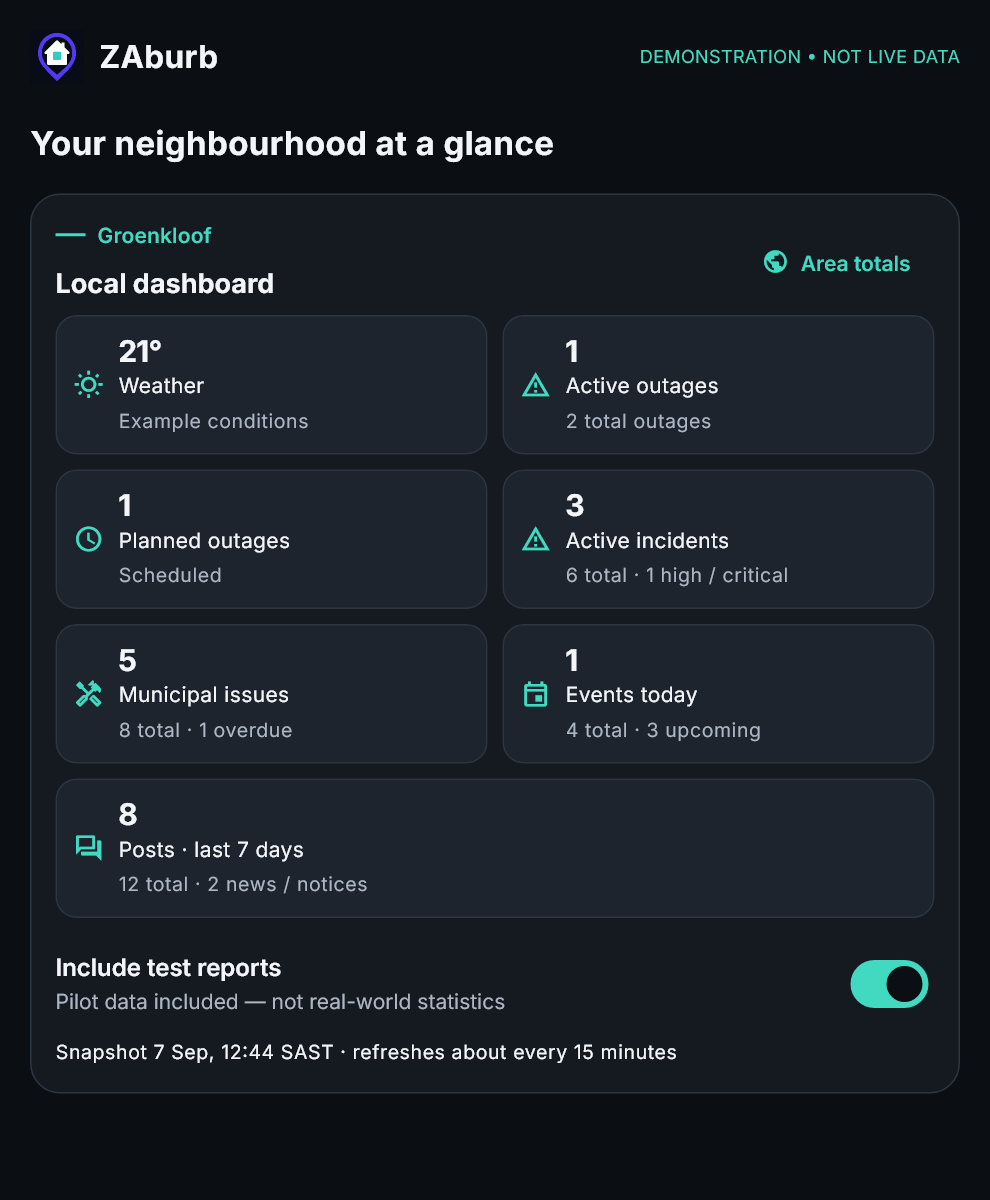
A look inside ZAburb
Alongside your WhatsApp or Facebook groups, keep a structured view of local concerns, community updates and the people you connect with.
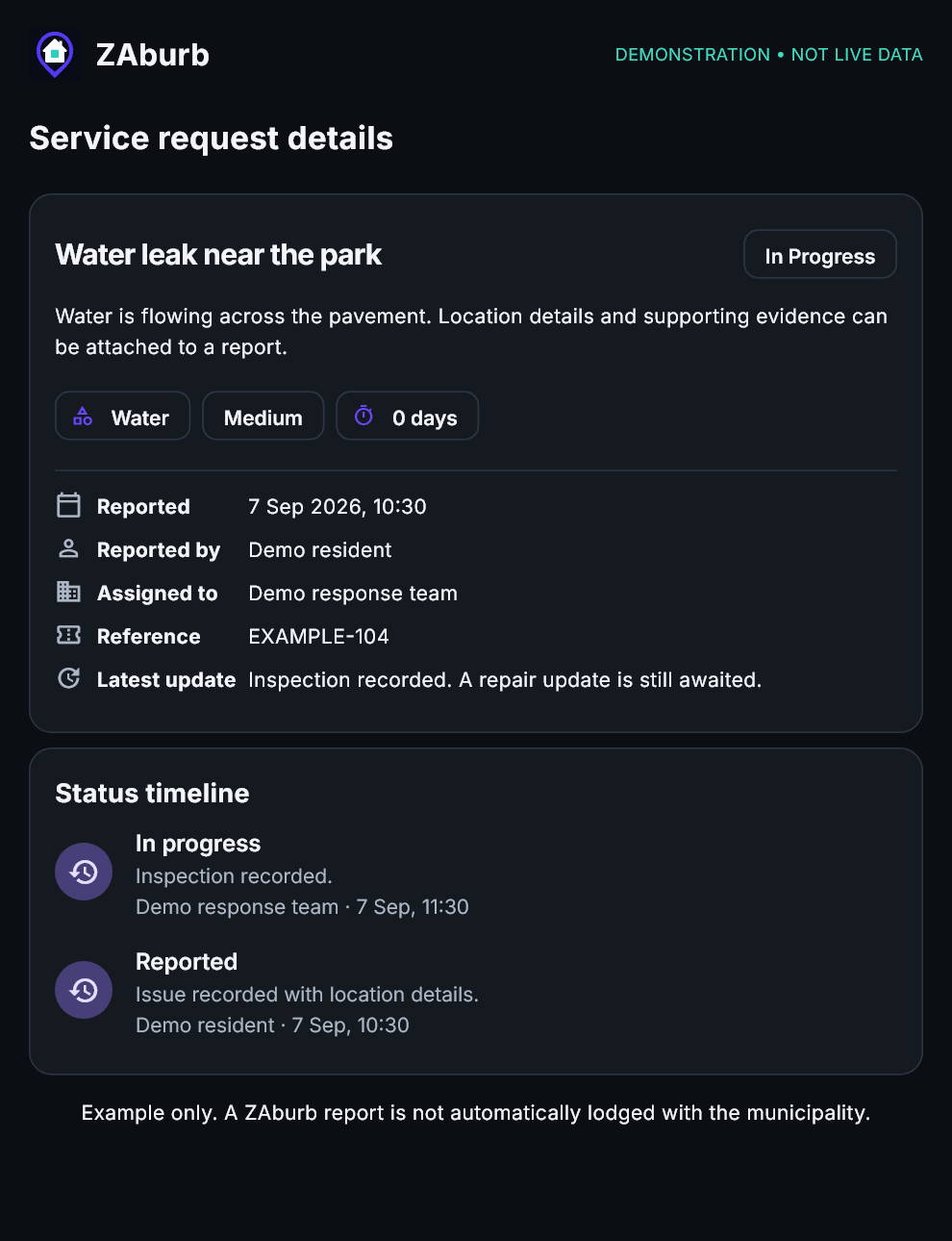
Record a concern, add location details and photos, and follow recorded updates from authorised responders.
Open larger image ↗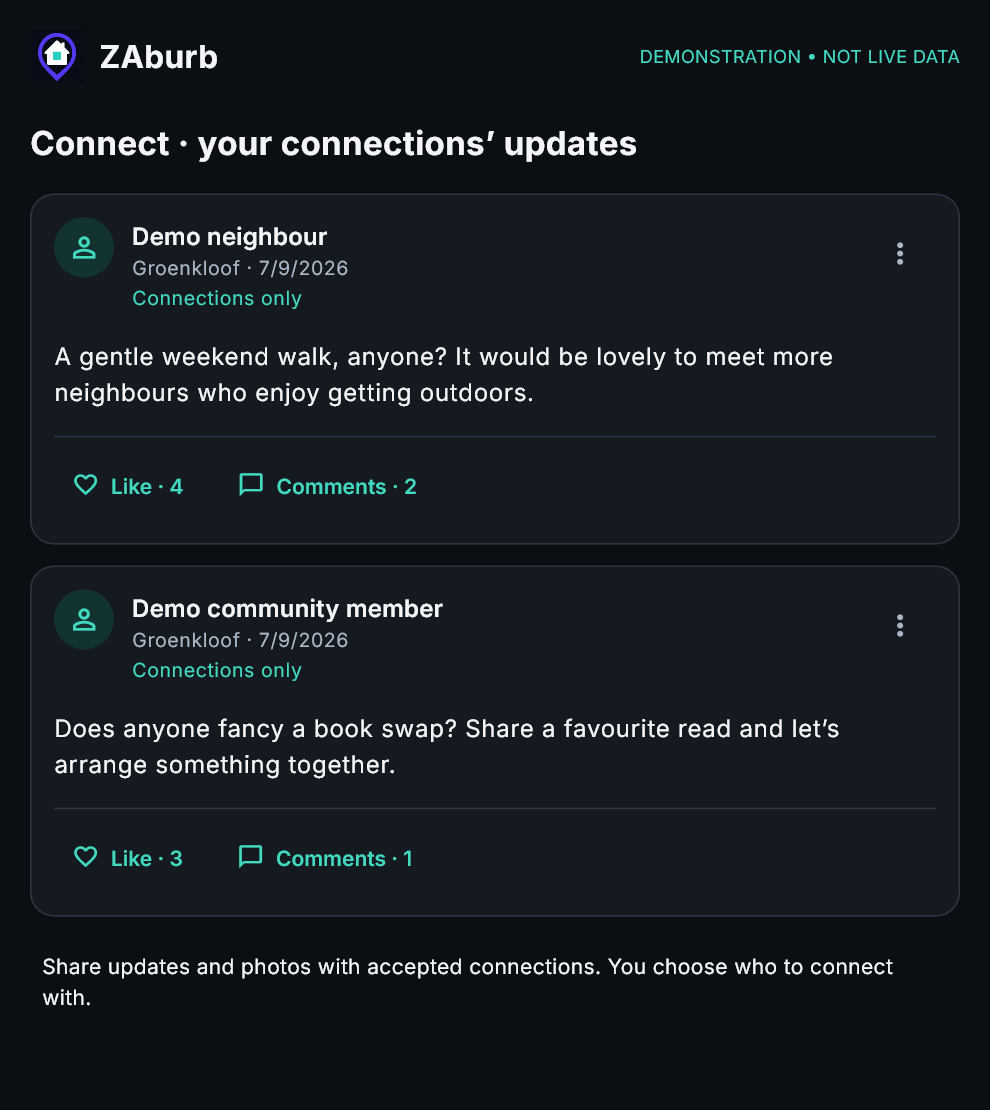
Share text and photos with accepted connections, like and comment on their updates, and explore local interest groups.
Open larger image ↗Product examples rendered from ZAburb app components with demonstration data and fictional participants—not live resident reports, official service commitments or actual response times.
Submitting to ZAburb does not automatically lodge an official municipal request. Use official reporting channels where required.
Closer to home.
Different roles, one shared aim: make it easier to know what is happening and follow up on what matters.
Find local updates and events, connect through shared interests, and keep track of concerns near you.
Organise activities and share useful updates with residents. Authorised organisations can follow up within their assigned access.
Review reported issues, record progress and use area summaries to understand what residents are reporting.
Information depends on available sources and community reports. Pilot and resident-reported data should not be treated as official municipal or crime statistics.
A simple place to start
Open ZAburb, choose “Create account” and open your verification email. Check spam or junk if it is not in your inbox. The verification screen lets you request another email.
Select your primary community and tell us how you are connected to the area. Complete your profile and interests.
Explore local updates, connect with neighbours, join a group or report an issue that needs attention.
Email verification confirms access to an email address. It does not, on its own, verify someone’s residence.
Groenkloof · Pretoria · Gauteng
Our first neighbourhood pilot is centred on Groenkloof in Pretoria. Residents can try everyday tasks and help shape a more useful community app.
For residents, councillors and authorised community organisations, the aim is the same: better communication and clearer follow-up on local concerns.
Explore the pilotBuild your profile around what you want to share. Use blocking and reporting tools when needed, and treat neighbours with respect.
Authorised administrators, councillors and delegated responders can respond within their assigned access. ZAburb does not promise an official service response or resolution time.
Emergency & SOS
In immediate danger, call emergency services directly. You do not need a ZAburb account to use these numbers.
If calling is not supported on this device, dial the number on your phone. Use emergency numbers only for real emergencies.
In the app, open the red SOS button to choose trusted, accepted connections and save your security company’s phone number. You can send an in-app alert to your selected contacts or open a number to call.
ZAburb does not automatically dispatch police, an ambulance, firefighters or security. An in-app alert depends on connectivity and someone seeing it; a response is not guaranteed. Do not wait for an app message to be read.
Open ZAburb to set up SOS contacts ↗Before you join
Yes. You can use the current ZAburb web app through a browser on your phone, tablet or computer. Use the “Open ZAburb” link to reach the app.
No. A ZAburb report records an issue for community tracking and authorised follow-up. It does not automatically lodge a formal municipal service request. Use the municipality’s official reporting channels where required.
Visibility inside the app depends on the content’s sharing settings, community membership and role-based permissions. This public introduction does not display resident profiles, private messages or incident evidence.
No. ZAburb is a community platform, not an emergency dispatch service. In an emergency, contact the appropriate emergency service directly. Do not wait for an app report or community message to be seen.